
Booking a club program
Updated 21 September 2026
Clubs sell lessons, courses and league nights through their club page. Each program has one or more start dates, and you book the whole run: every session from that start date on.
Find a program
Open the club from Clubs. The programs tab lists everything the club has on sale, with its price and next start date. Some clubs use another word for it, like Courses or Classes.
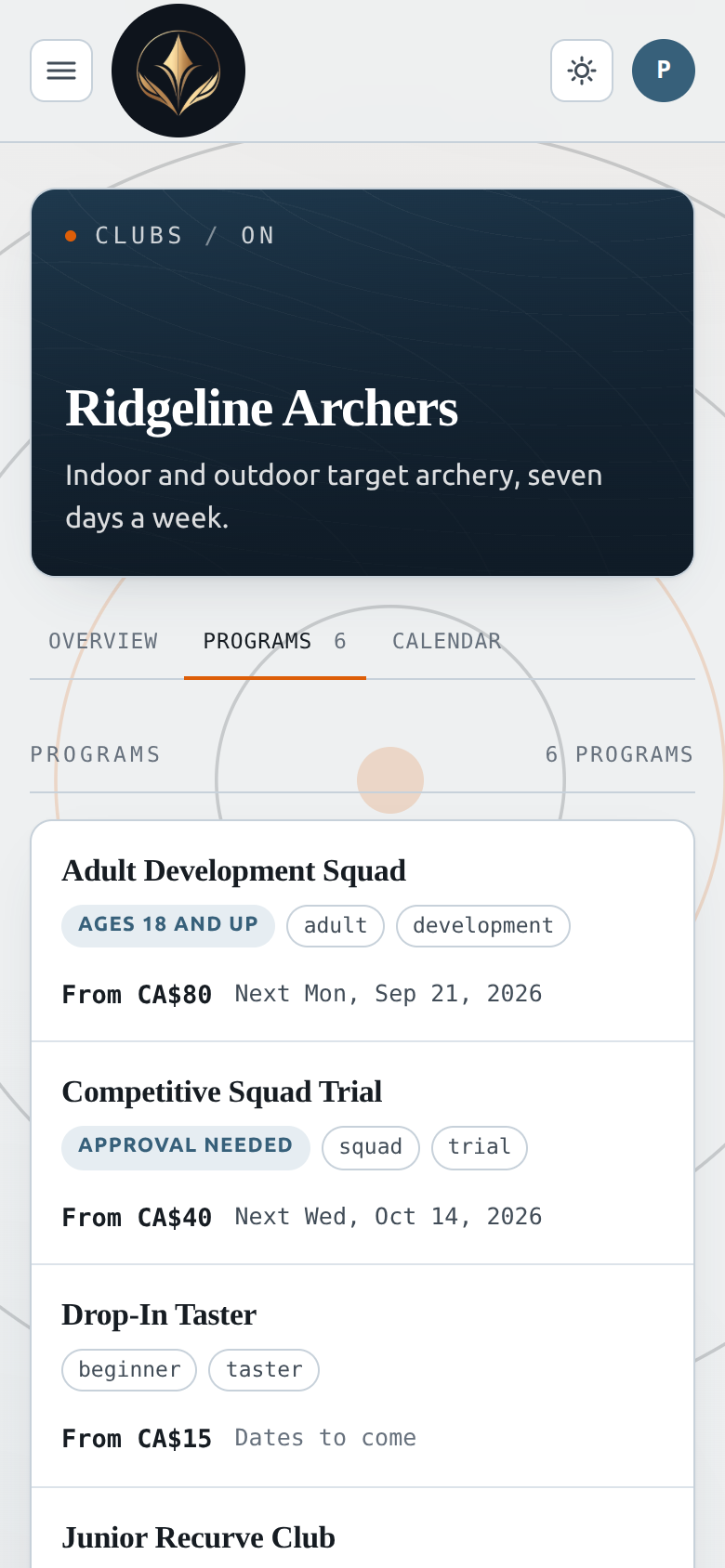
Calendar shows the month. A filled dot is a program starting, a hollow dot is a session of one already under way. Tap a day to see what is on and open it.
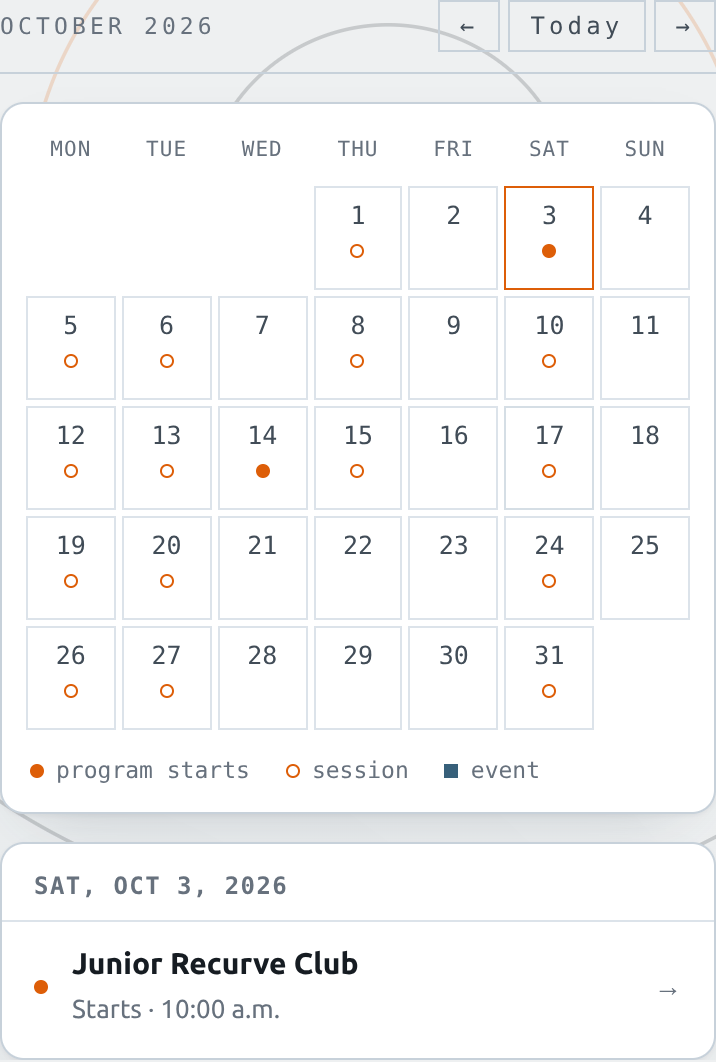
Requirements such as an age range, Members only, a required endorsement or Approval needed are shown on the card.
Book
- Open the program and sign in.
- Under Book this program, pick a start date.
- Under Who's coming, tick yourself, the archers you manage, or both.
- Add a promo code if you have one.
- Press Book and pay.
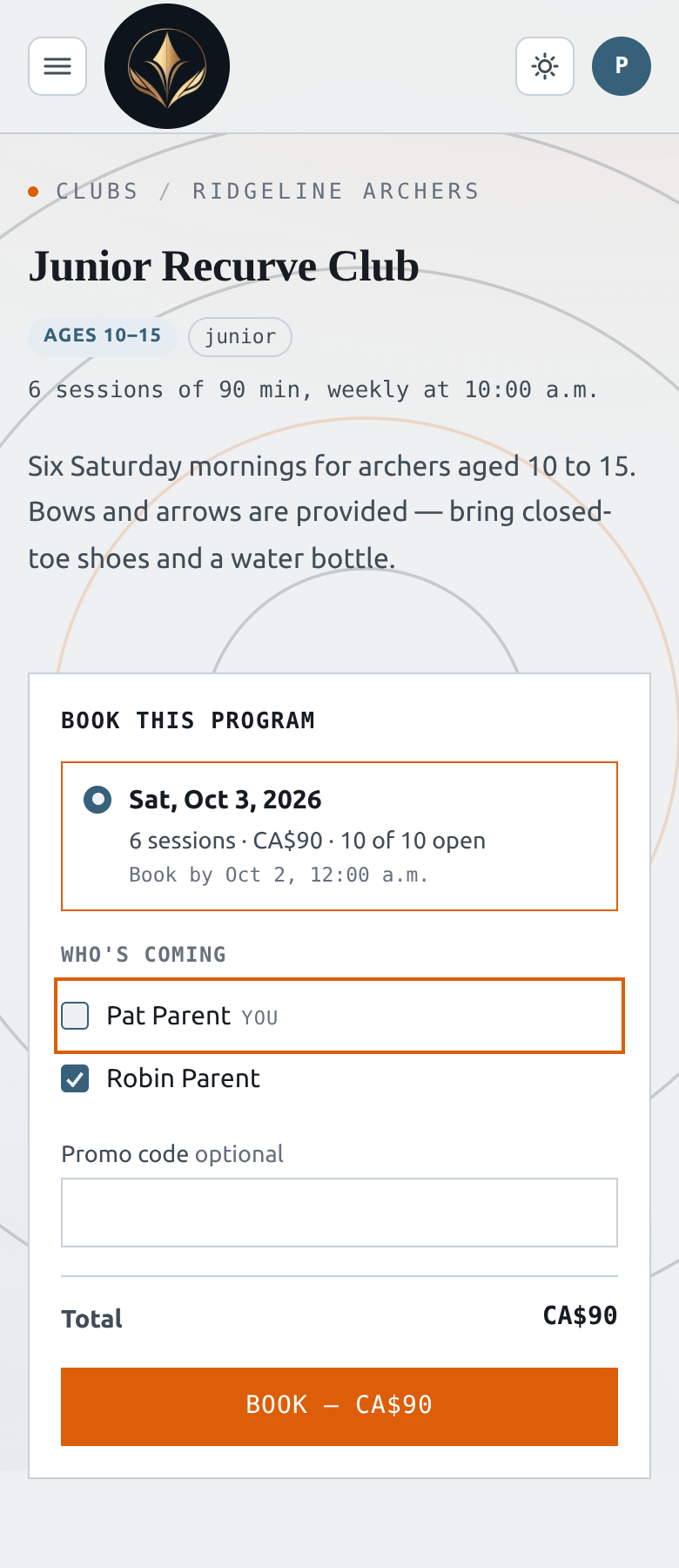
If someone can't take the program, the reason appears under their name, for example “Above the age this program takes.” Untick them to book everyone else.
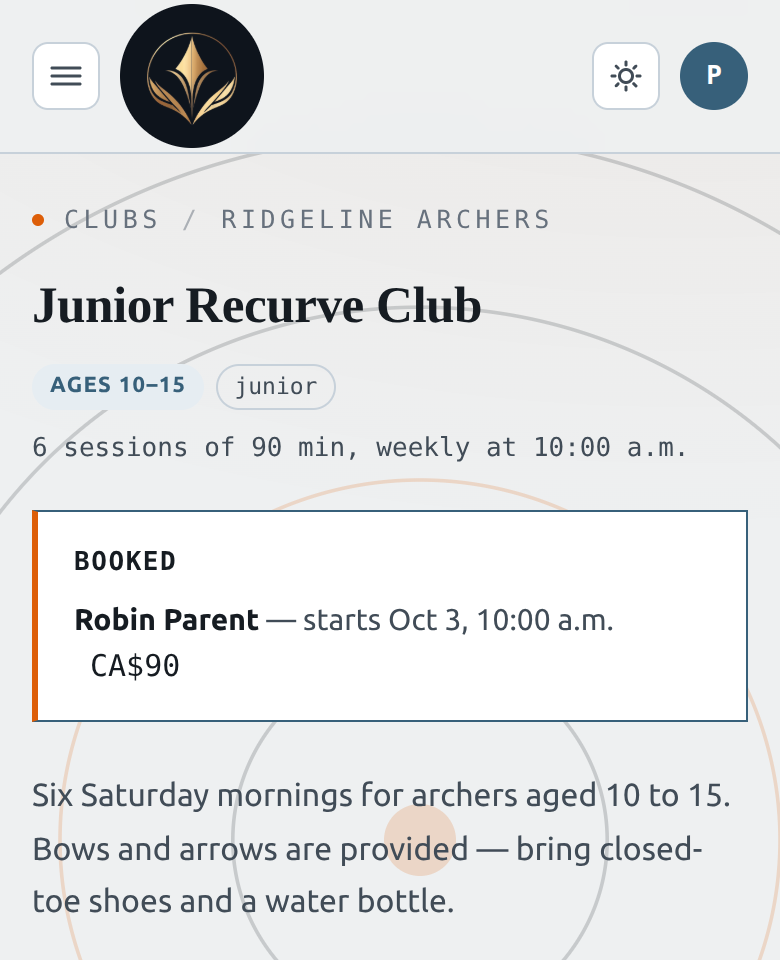
Book by under each date is the last moment to book it. After payment you land back on the program page with the booking confirmed.
Full runs and approvals
- Full — the button becomes Join the waitlist. Nothing is charged. If the club offers you a spot, you get a deadline to pay for it.
- Approval needed — your card is held, not charged, until a coach approves. If the club declines, the hold is released and you see the reason.
Your bookings
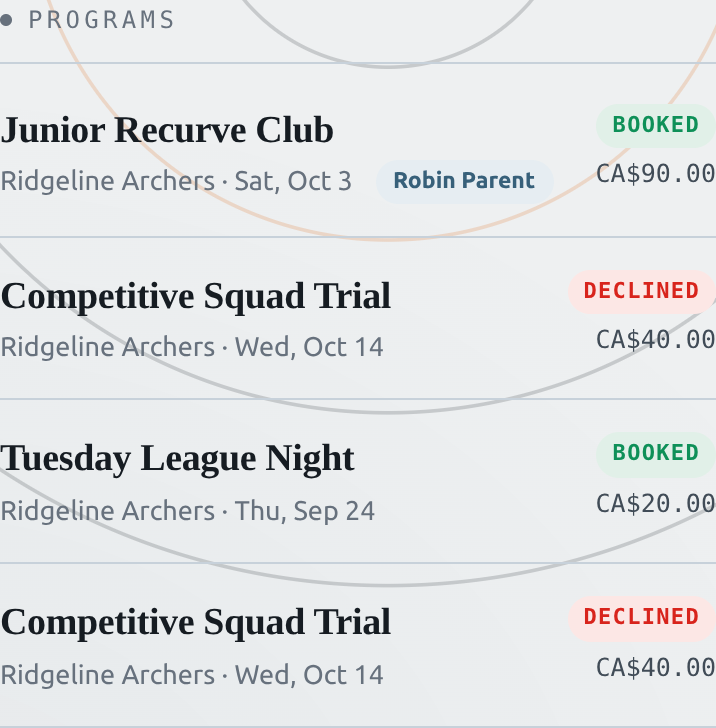
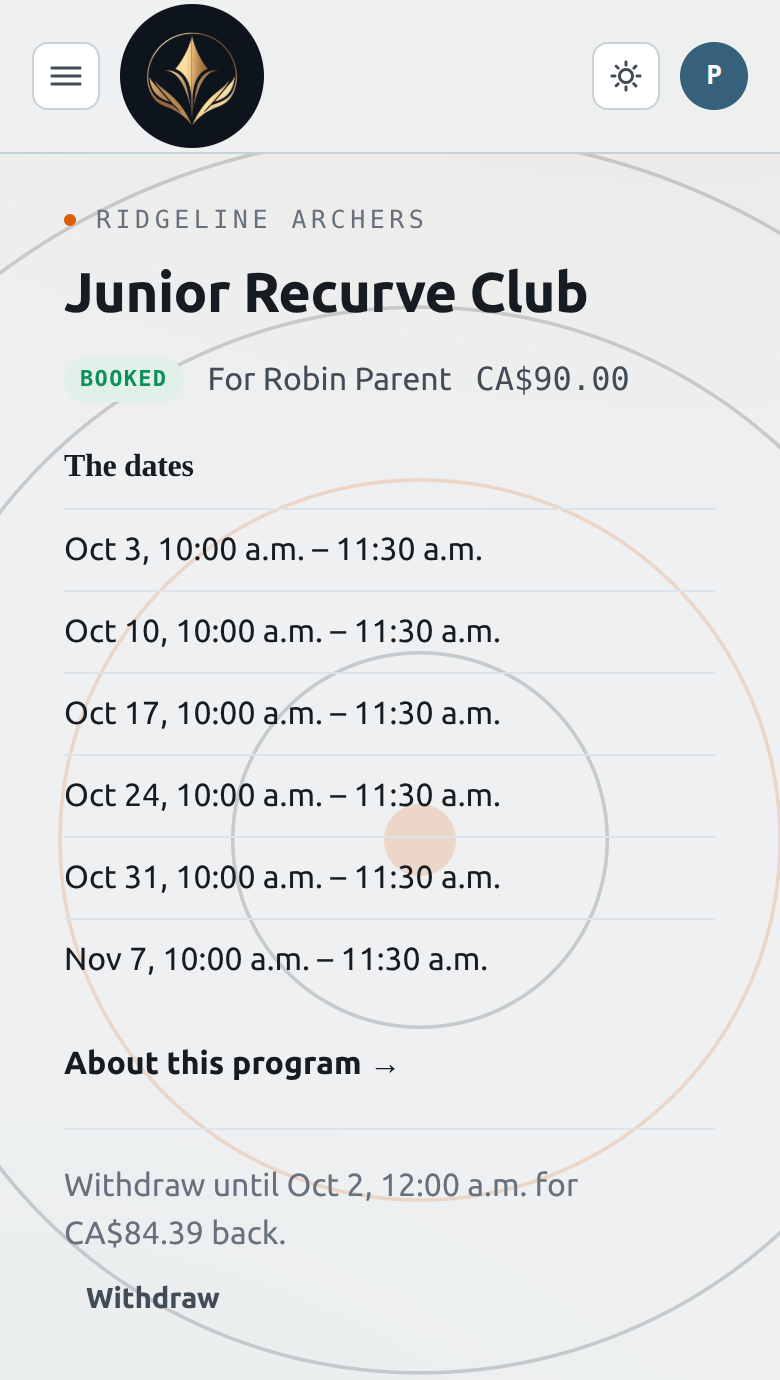
Your Dashboard lists your program bookings under Programs. Each row shows who the booking is for and its status. Open a row to see every session date.
Withdraw
Press Withdraw on the booking page. The page shows the refund before you confirm.
- Before booking closes — you get back what you paid, less the service fee.
- After booking closes — you can still withdraw to free the spot, but nothing is refunded.
- On the waitlist or awaiting approval — withdrawing costs nothing.
If the club cancels your spot, you get back everything you paid.